
AI Flyer Maker
Describe the flyer you want — an event, a promotion, a service, a class — and Ridvay generates a finished, editable flyer in seconds, with a headline, details and a clear call to action.
Edit any text or colour, add your logo and contact details, keep it on-brand, then export a print-ready PDF or a PNG/SVG to share online.
Try a prompt like: “A flyer for a weekend farmers market with stalls, live music and free entry”
A live example — open the full editor to make your own.
Everything you need to make your flyer
Design from a prompt
Describe what you want; Ridvay generates a complete, editable design — layout, fonts, colours and copy.
Fully editable
Change any text, colour or element, move things around and add images — it is a real design, not a flat picture.
On-brand automatically
Save a Brand Kit (colours, fonts, logo) and Ridvay applies it as it generates.
Multi-page
Build carousels, decks and documents, then export the whole set as one PDF.
Export anywhere
Export to print-ready PDF, or PNG and SVG — or share a live link.
Refine in chat
Say “make it bolder” or “add a section” and the design updates — no manual fiddling.
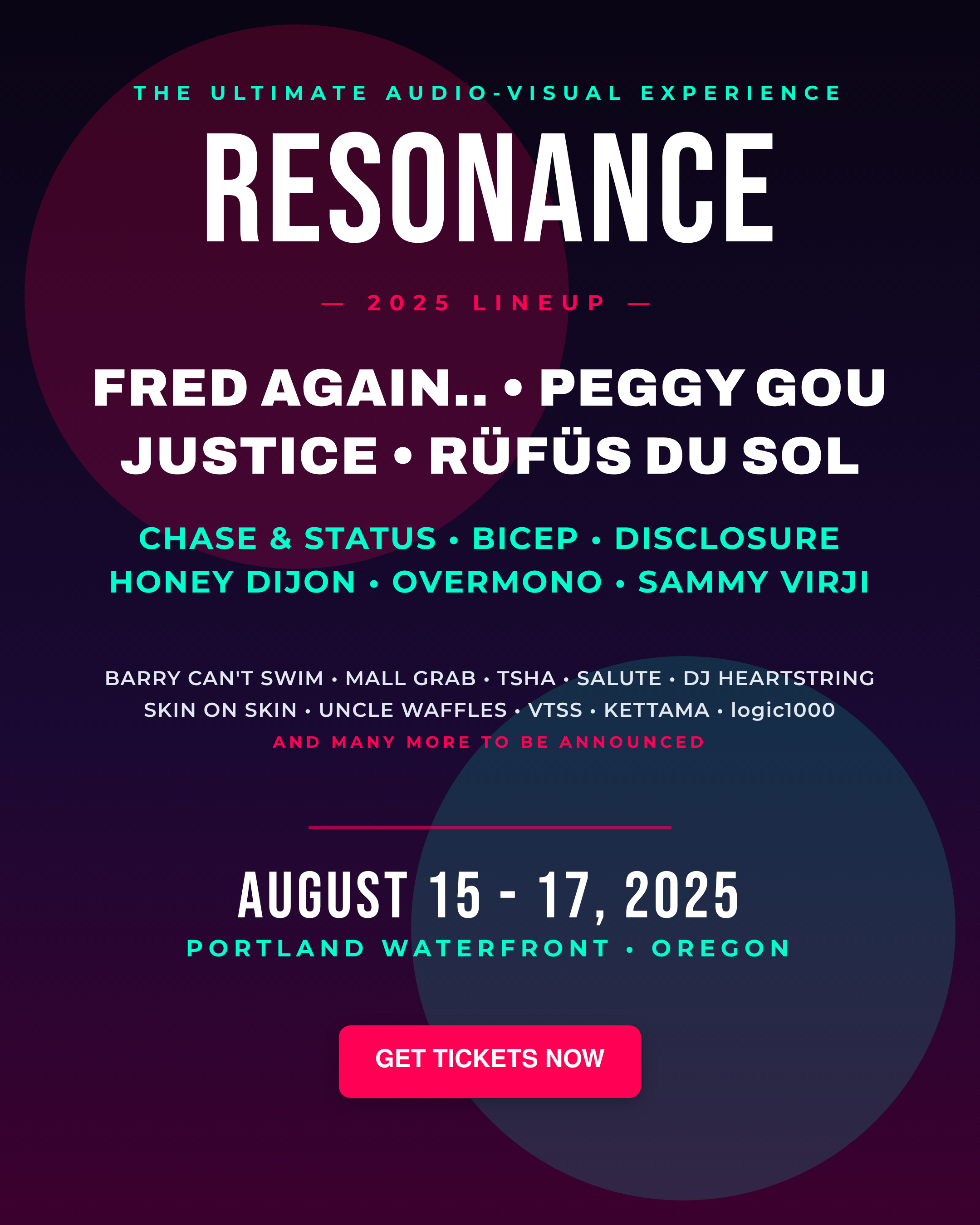
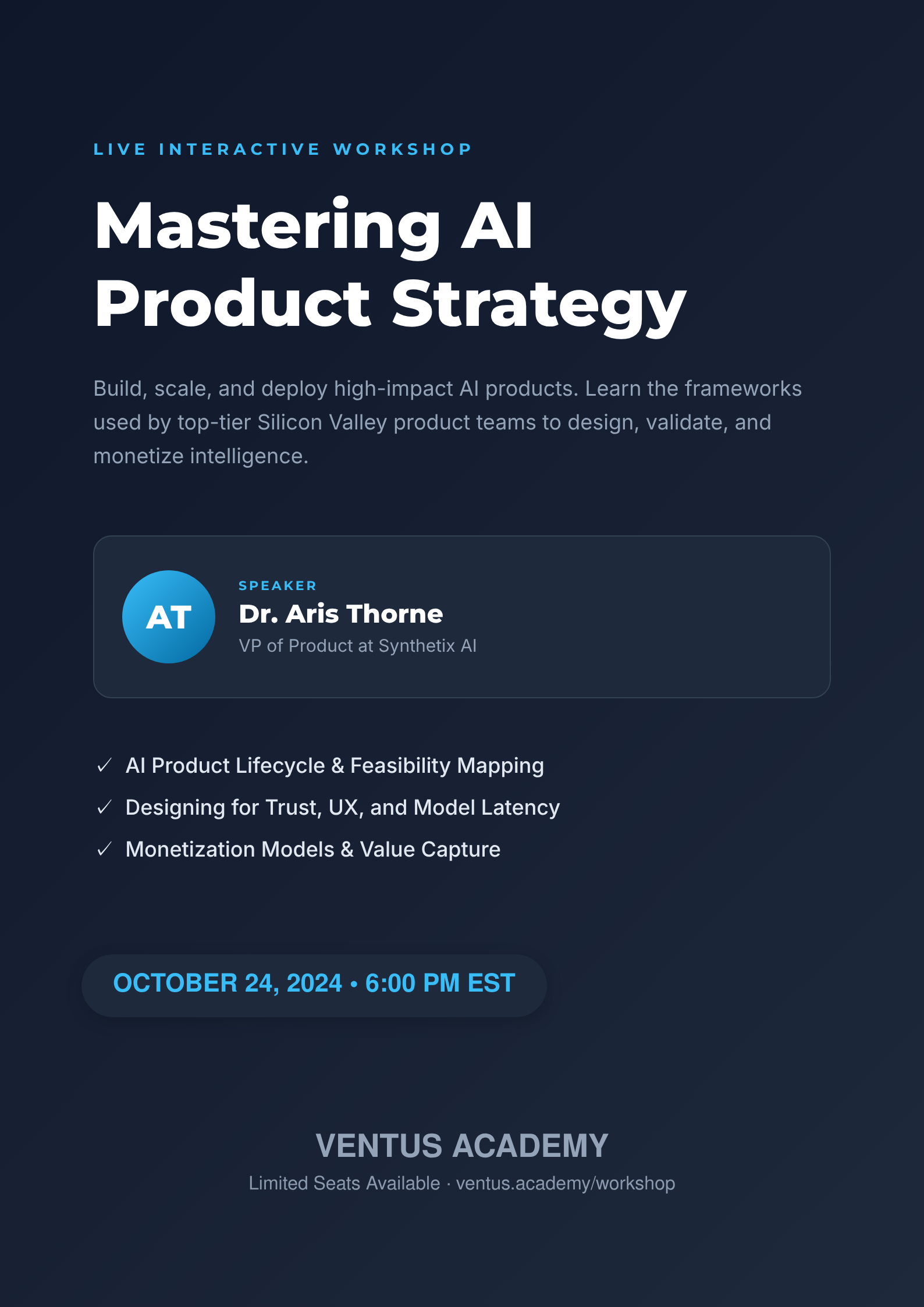
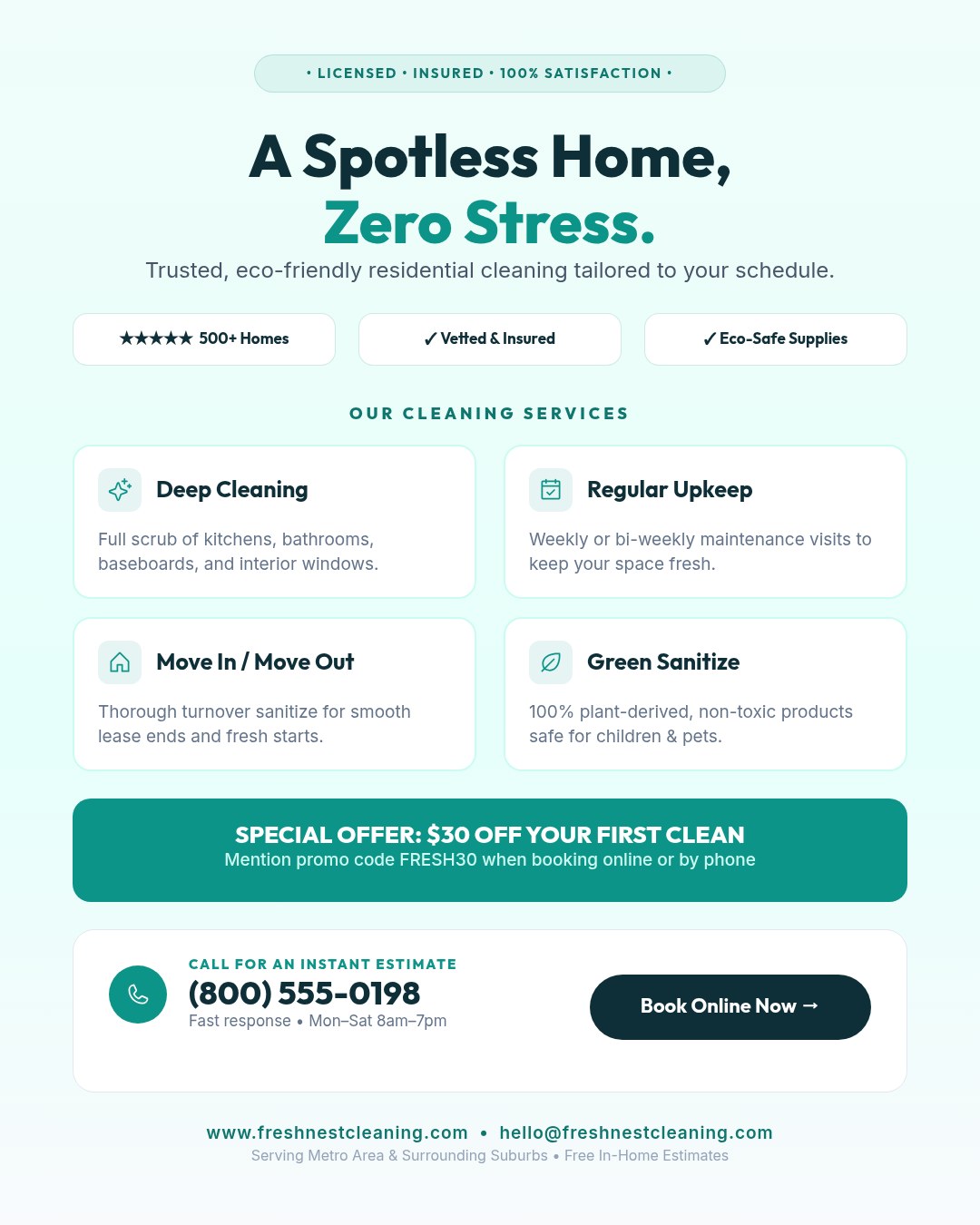
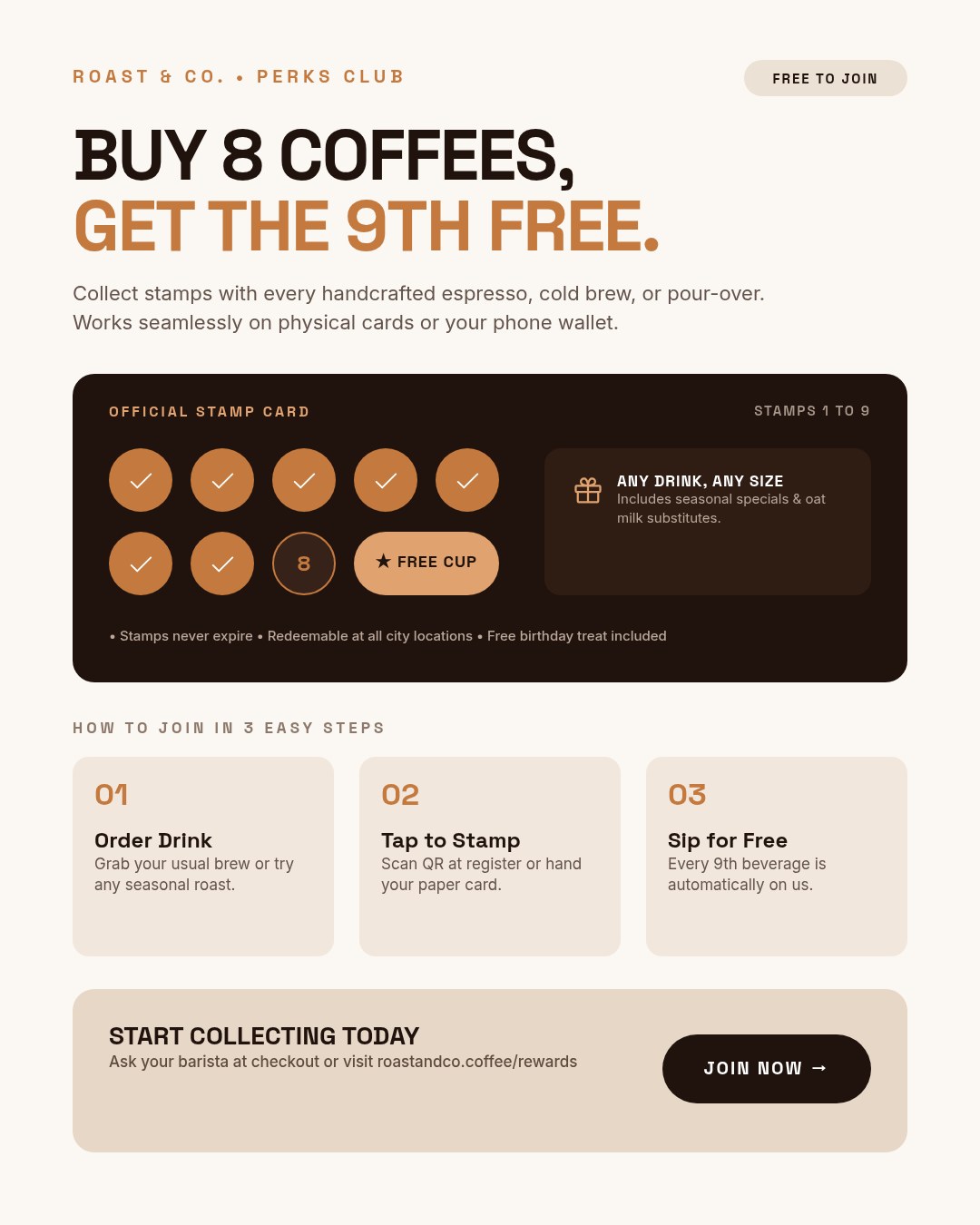
From one sentence to a flyer
Click an example to generate it in Ridvay Studio.
Or start from a ready-made flyer template
Every template is fully editable — open it, make it yours, export.


Frequently asked questions
How do I make a flyer with AI?
Open Ridvay Studio, describe your flyer (for example “flyer for a weekend farmers market with live music”), and Ridvay generates a complete, editable flyer. Adjust the details and export.
Can I print the flyer?
Yes — export a print-ready PDF, or PNG/SVG for sharing online.
Is the flyer maker free?
Yes, you can generate and edit flyers free in the browser. Advanced features and higher limits are on paid plans.
Can I add my logo and brand colours?
Yes. Save a Brand Kit and Ridvay applies your colours, fonts and logo when it generates the flyer.